Crest Basic
Your everyday invoice workflow
Free
- Create invoices and download PDFs
- Send invoices through Crest
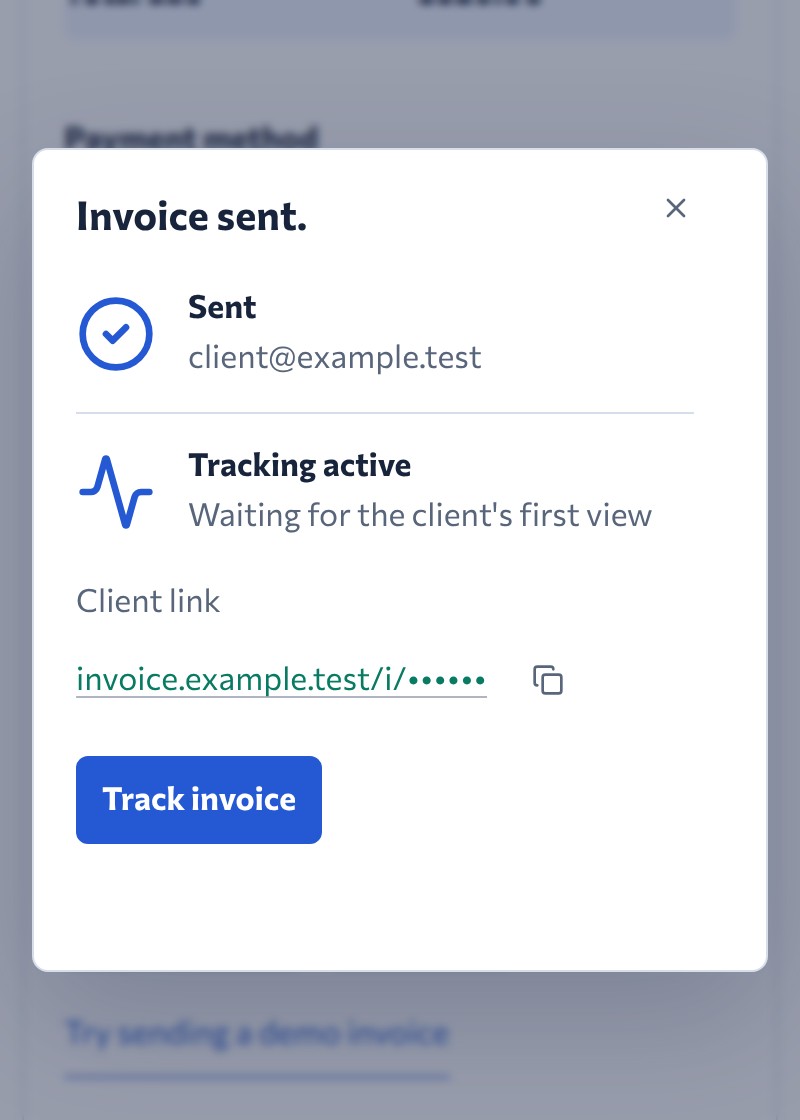
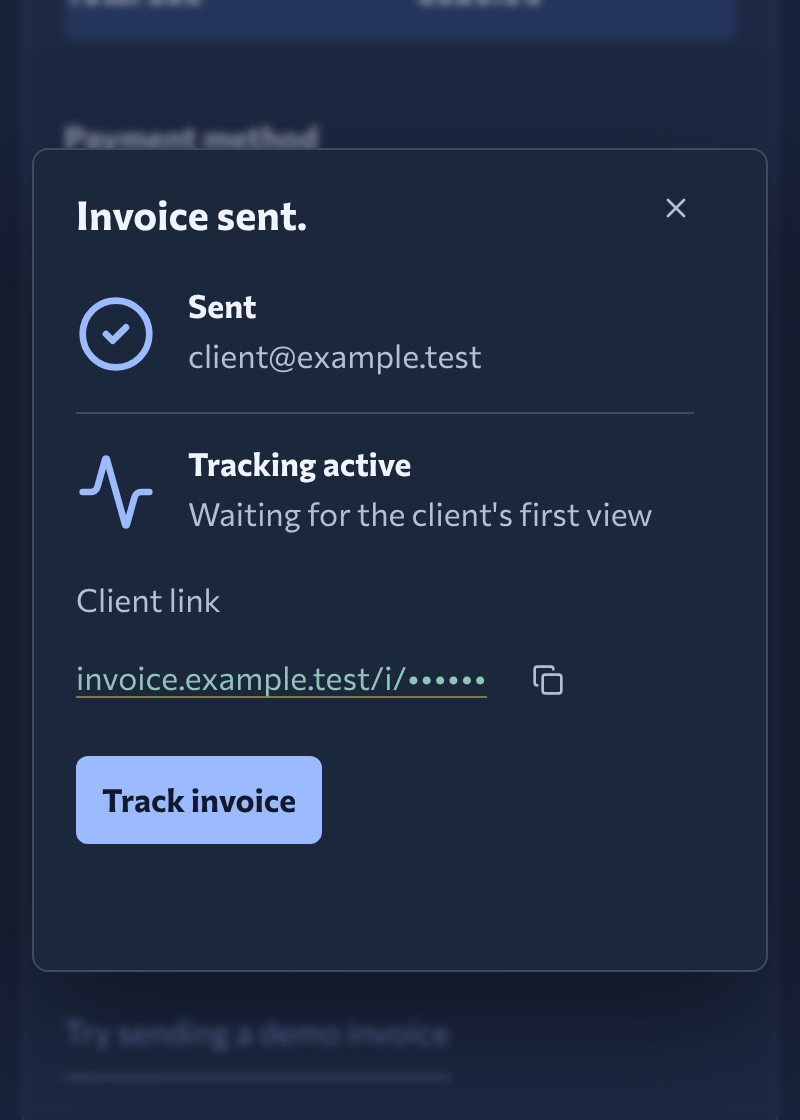
- Track invoice views and activity
- Manage invoices on any device

Fill out the invoice below, then save it as a PDF or send it through Crest as an invoice link. No account to create, no password to invent.


We're Alina and Pavel, a married couple and the whole Crest team. We couldn't find an invoicing tool that fit, so we built our own. Why we built Crest
Edit your invoice below.
Start with your work, your client, and how you want to be paid.
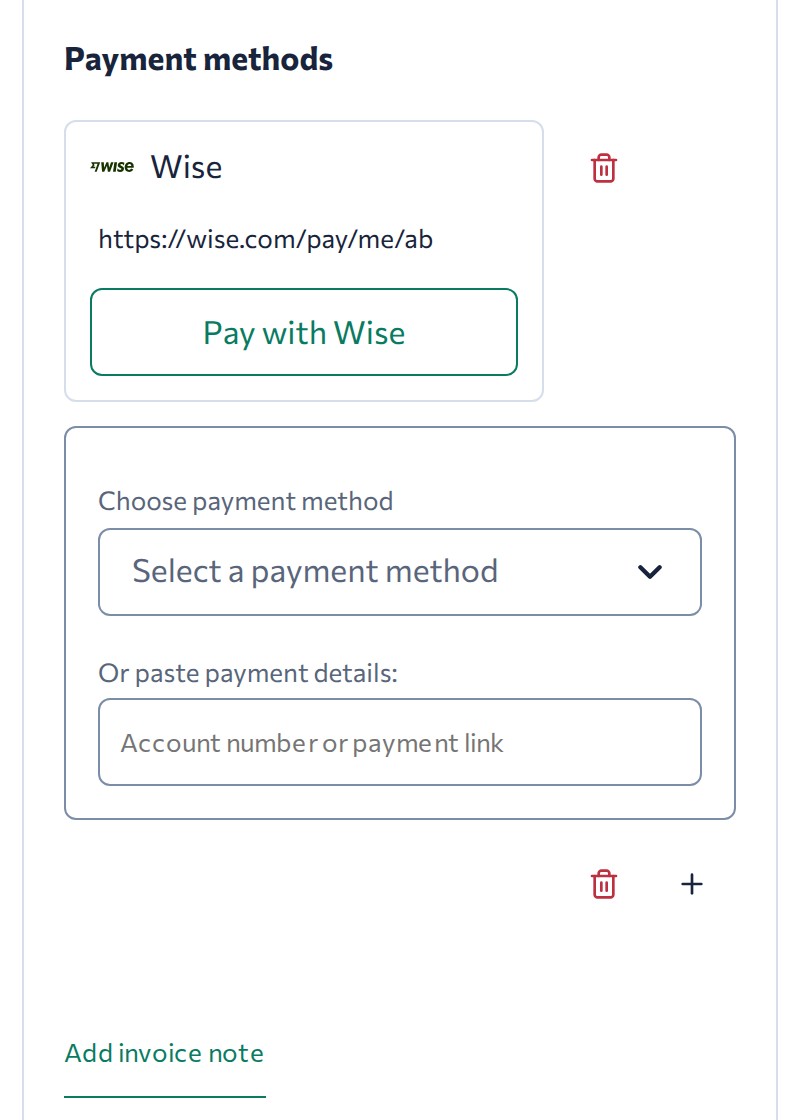
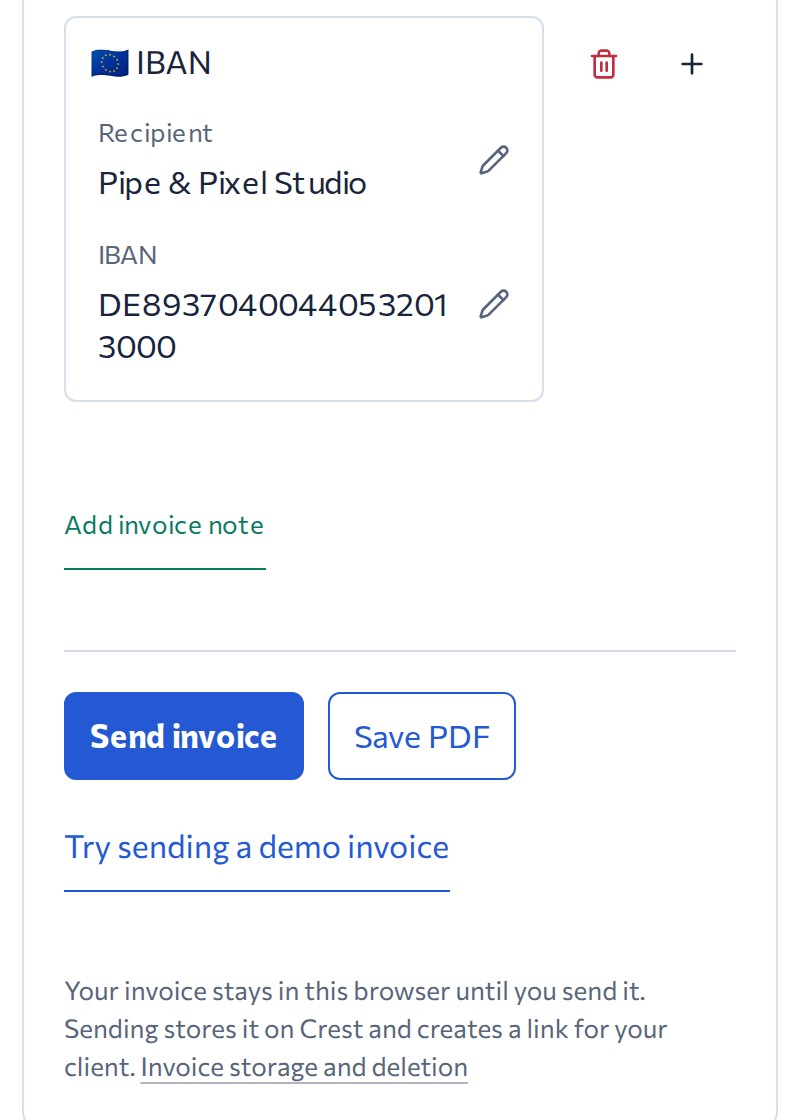
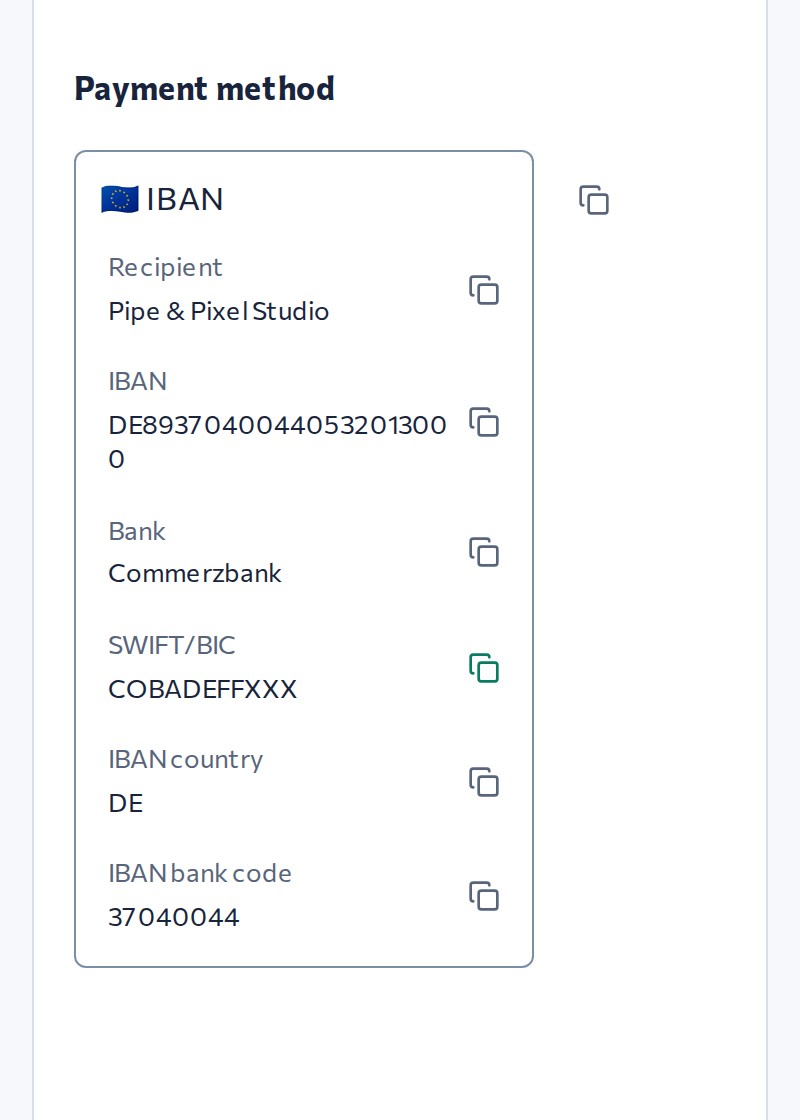
Late payment is usually a coordination problem, not a money problem. A client who gets an invoice with messy wire details decides to deal with it later, then forgets. Paste your bank details or add a payment link, and Crest lays them out so your client can copy them or open the link in seconds.
A payment link or bank details. Crest recognises the method and asks for what's missing.
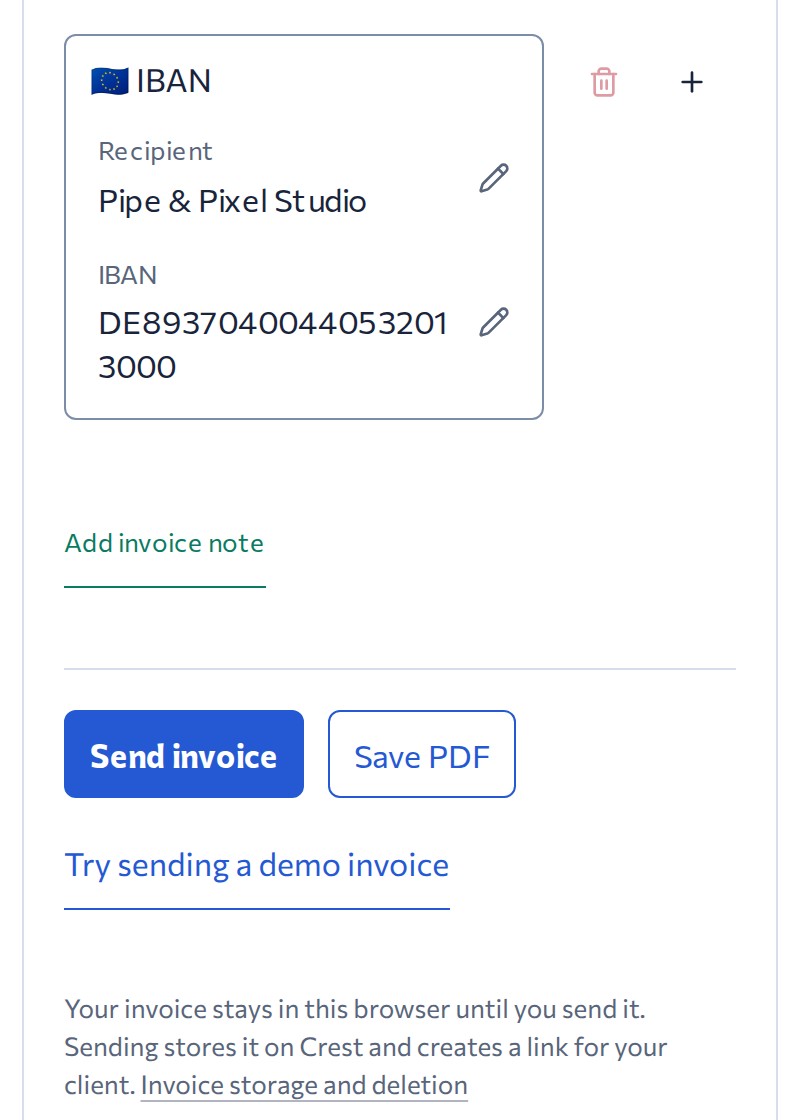
Send through Crest and your client receives an email from crest-invoice.com with an invoice link. Include a PDF if you want.
You can also download the PDF and send it yourself.
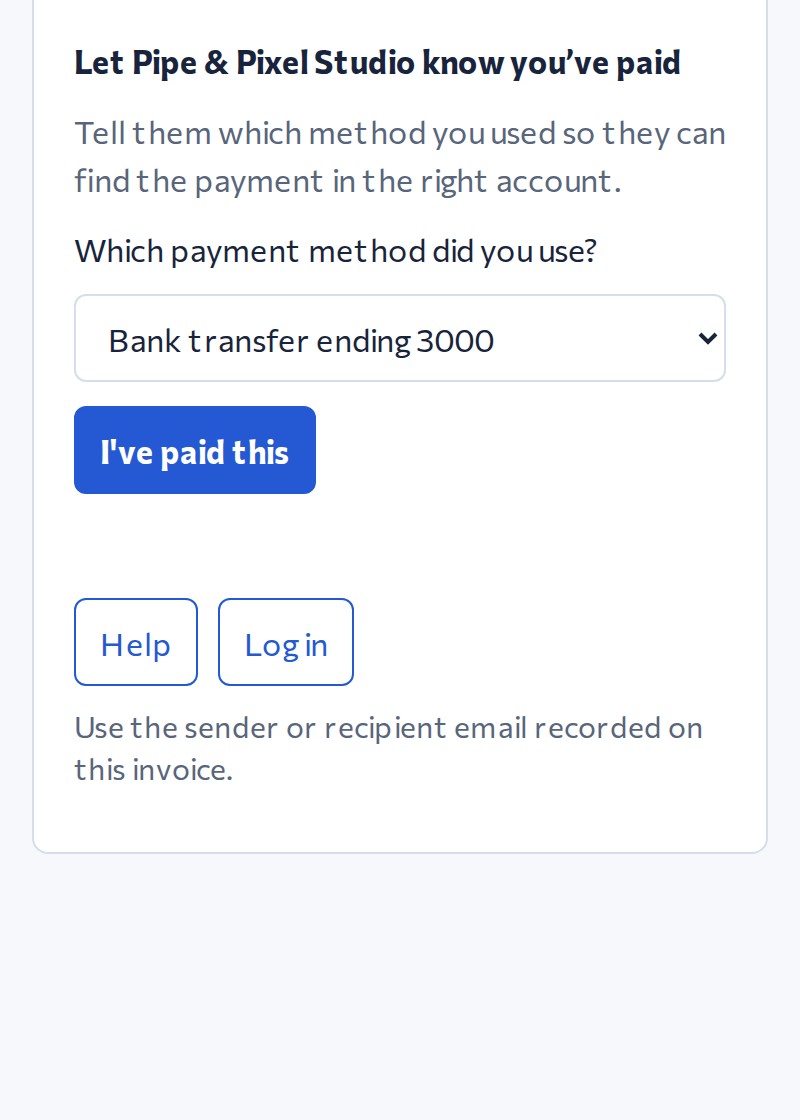
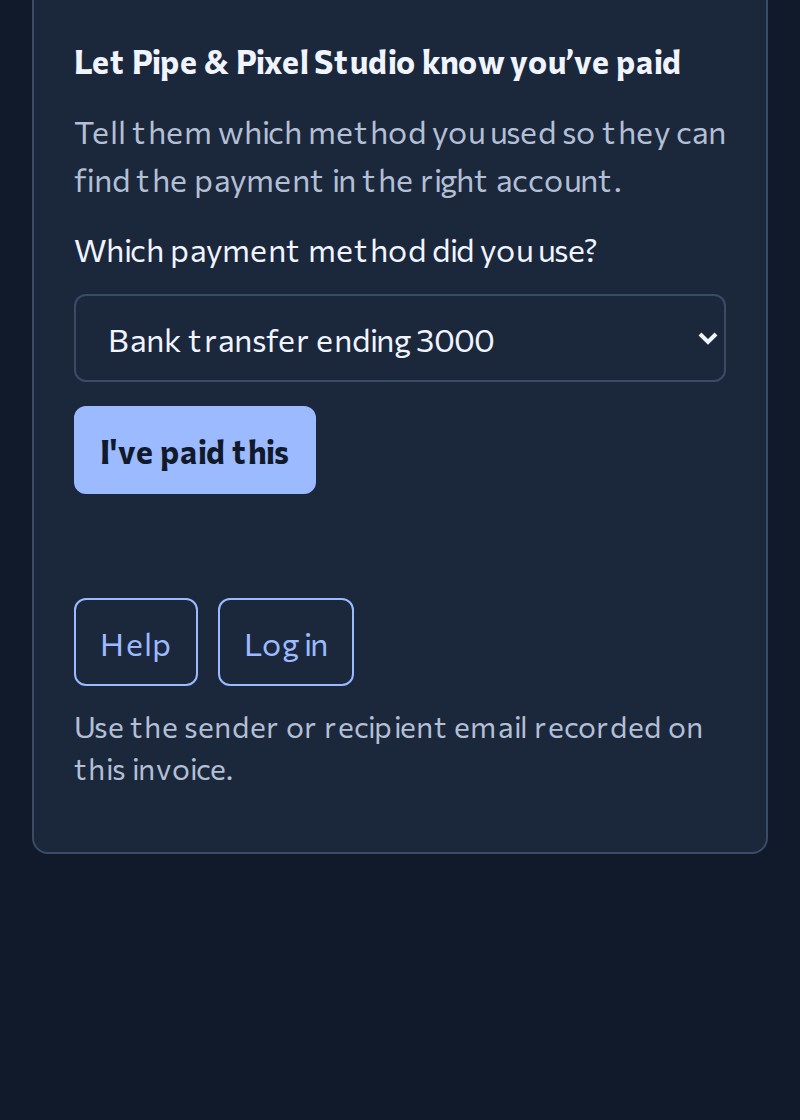
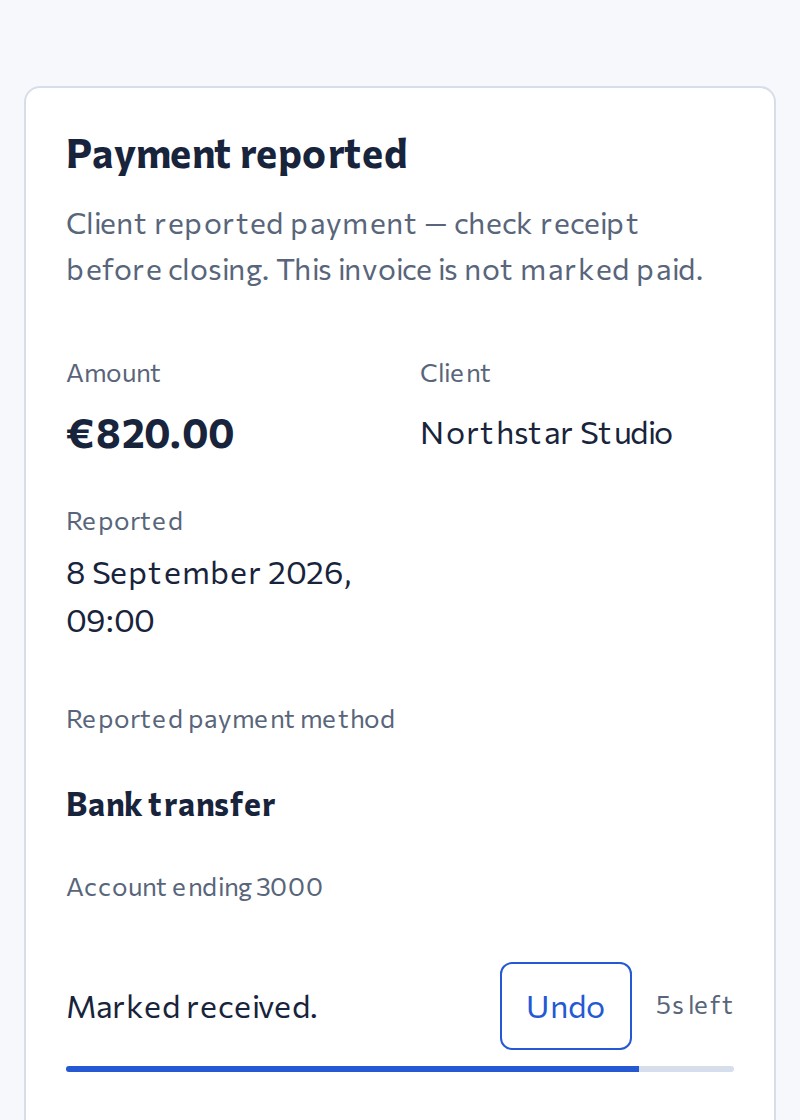
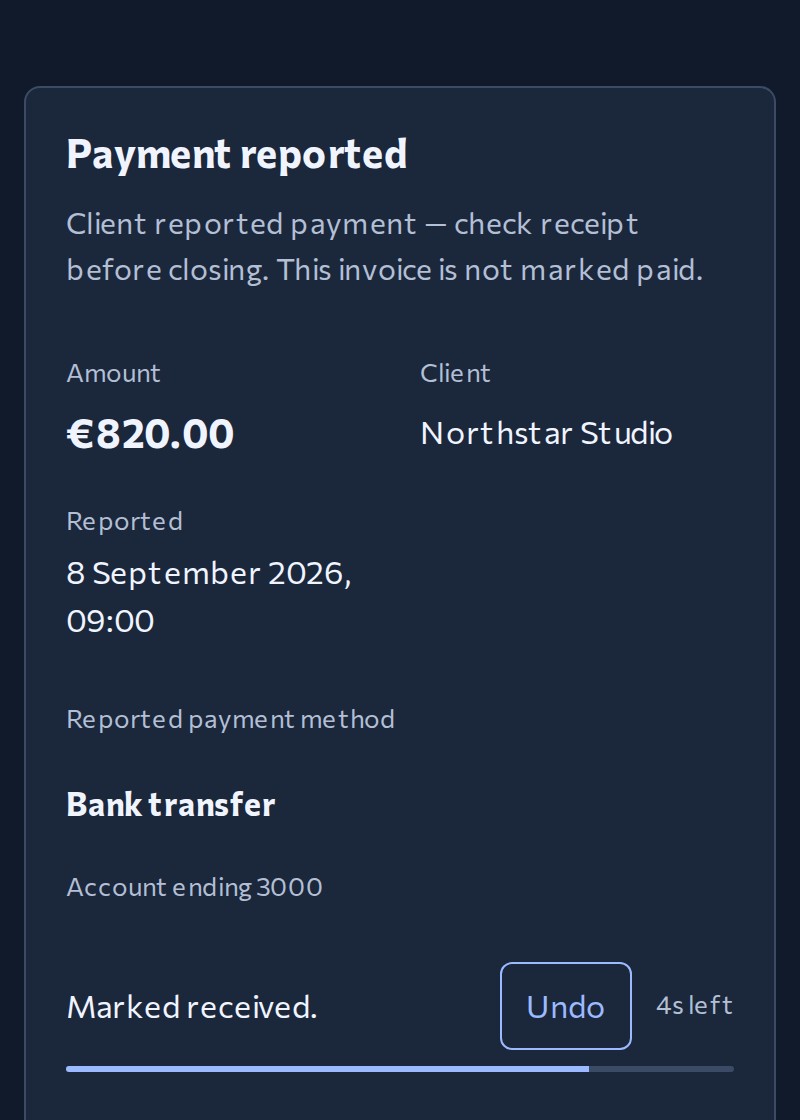
Crest shows your client how to pay in the way that is most convenient for them: copy the bank details or open the payment link. They press one button to report the payment. If nothing happens, Crest sends the polite reminder so you do not have to.
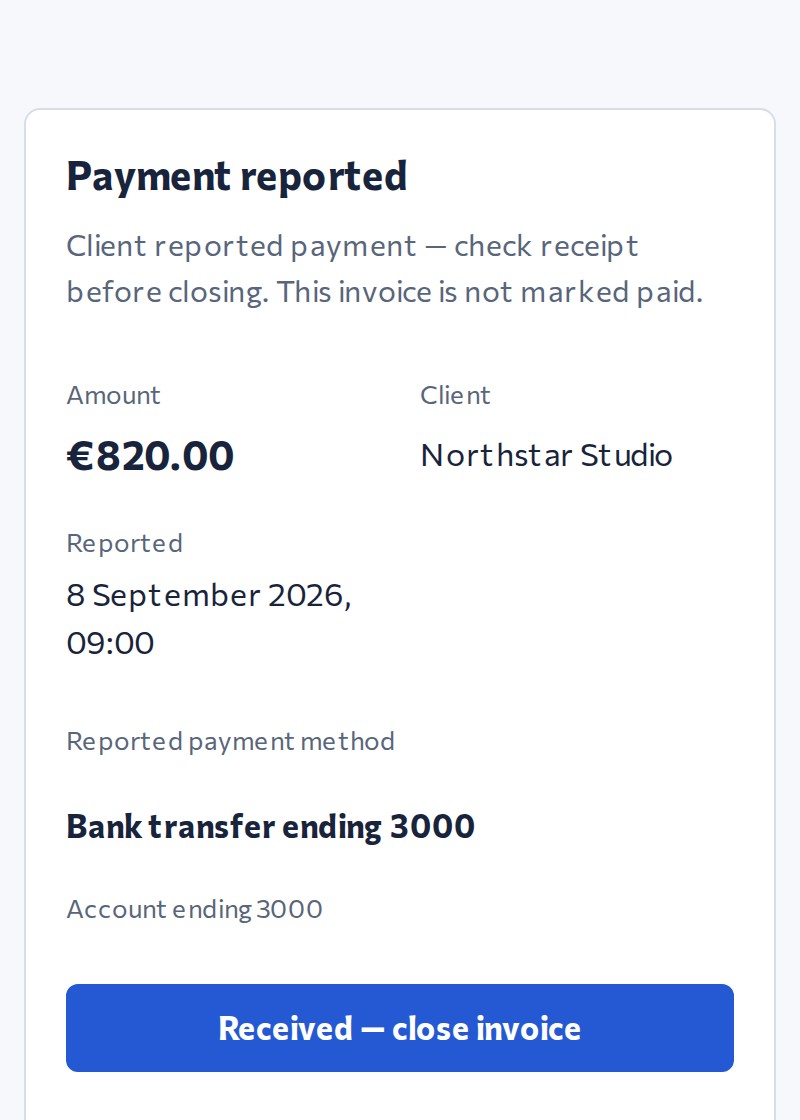
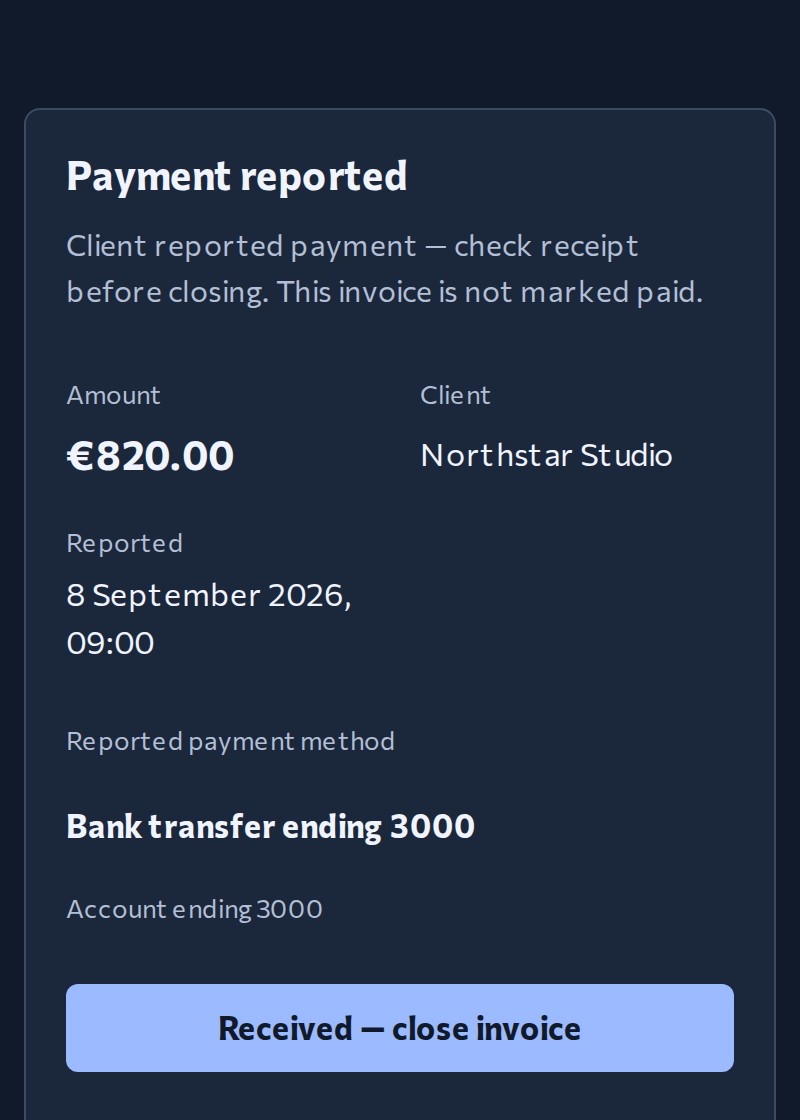
Check the reported payment method in your account and confirm the money arrived. If payment remains unconfirmed, Crest sends a due-today reminder and alerts you three days later.
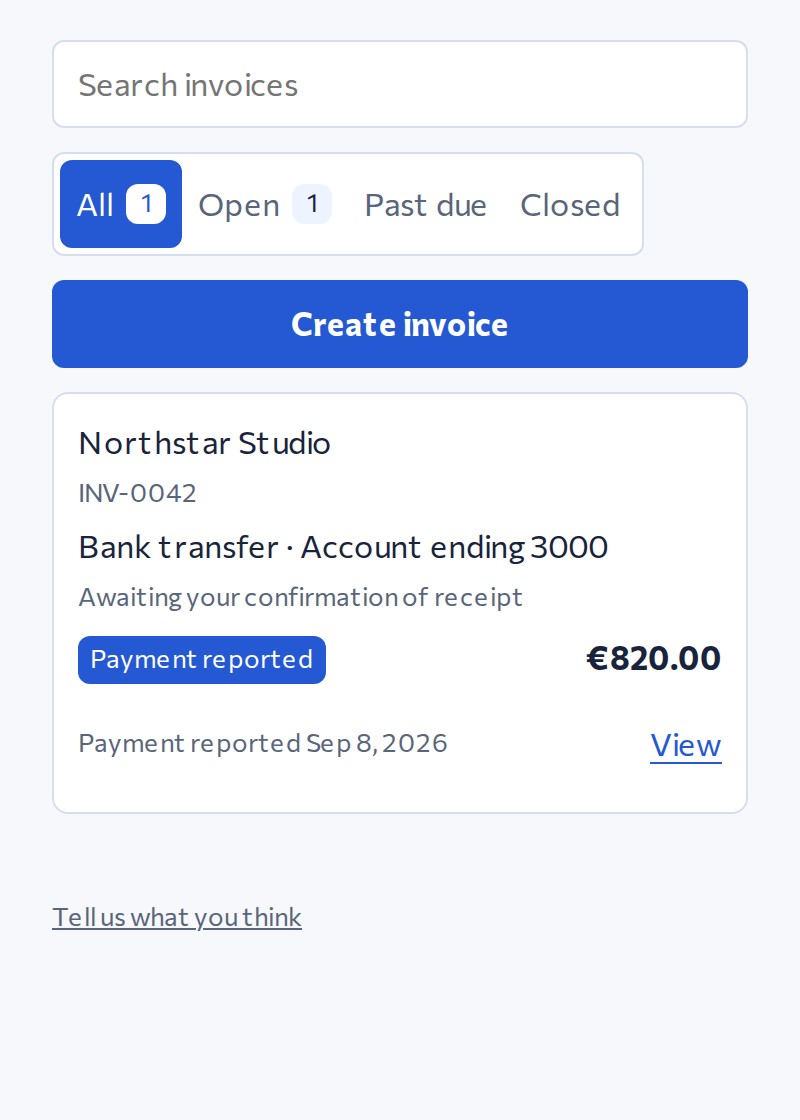
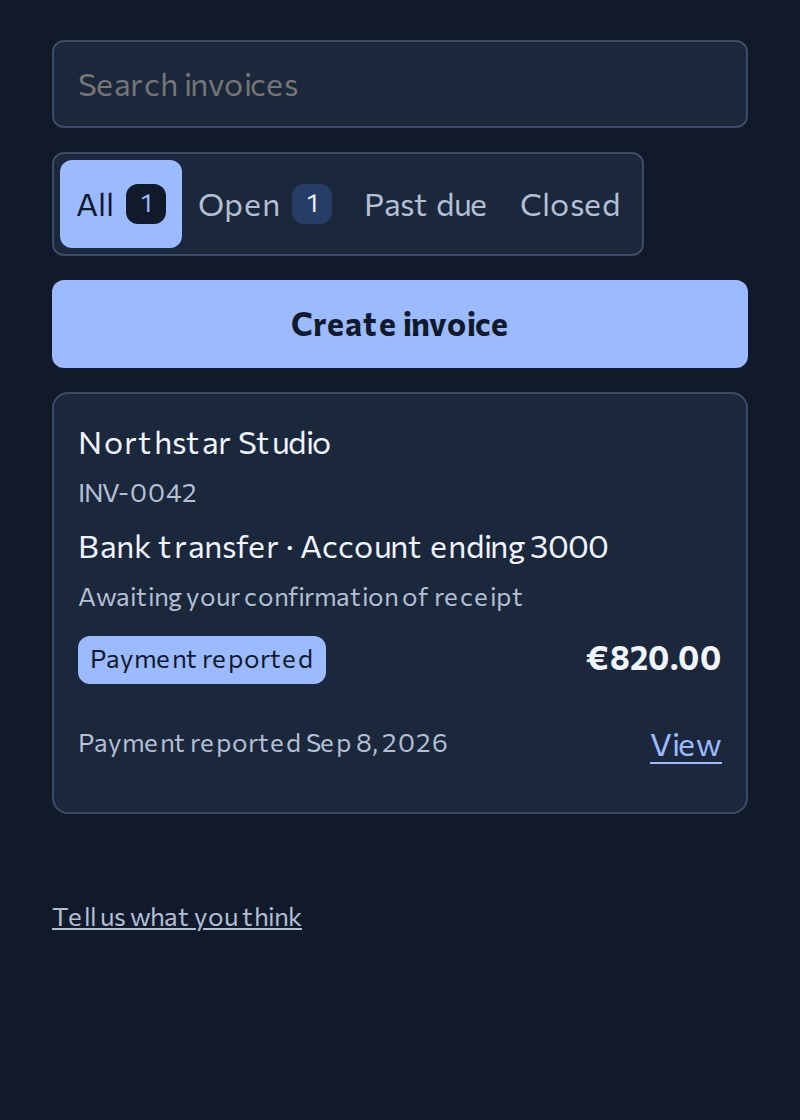
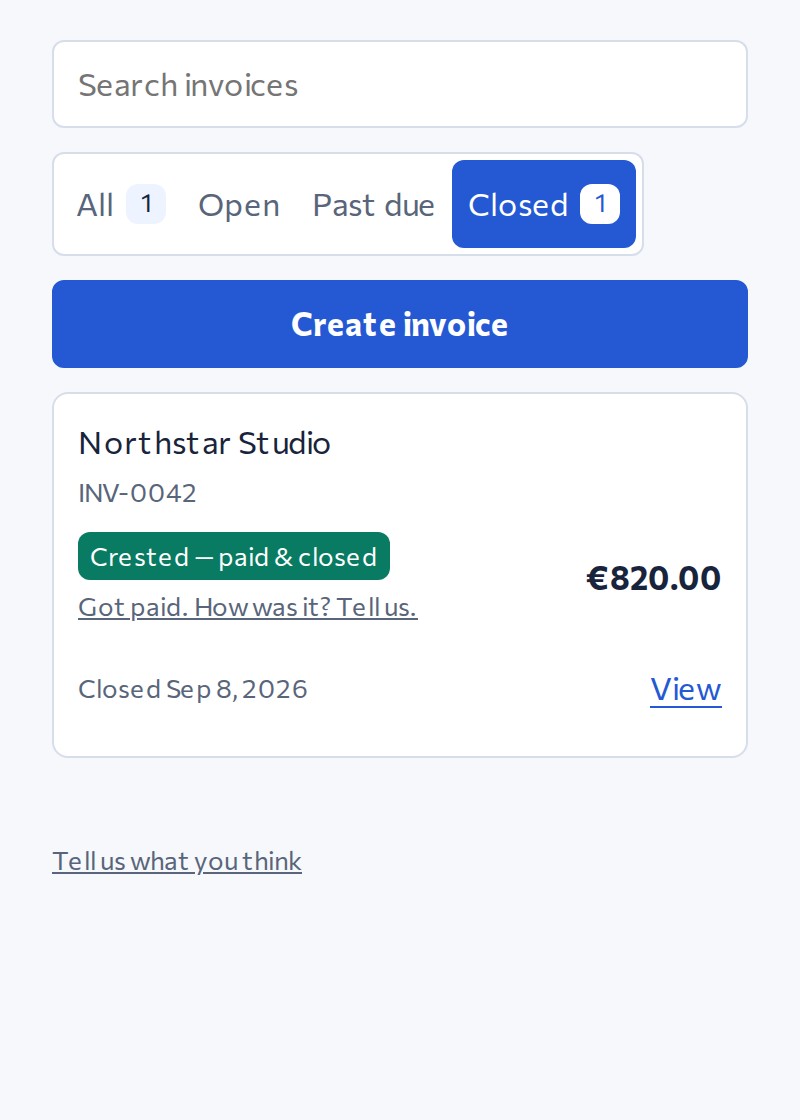
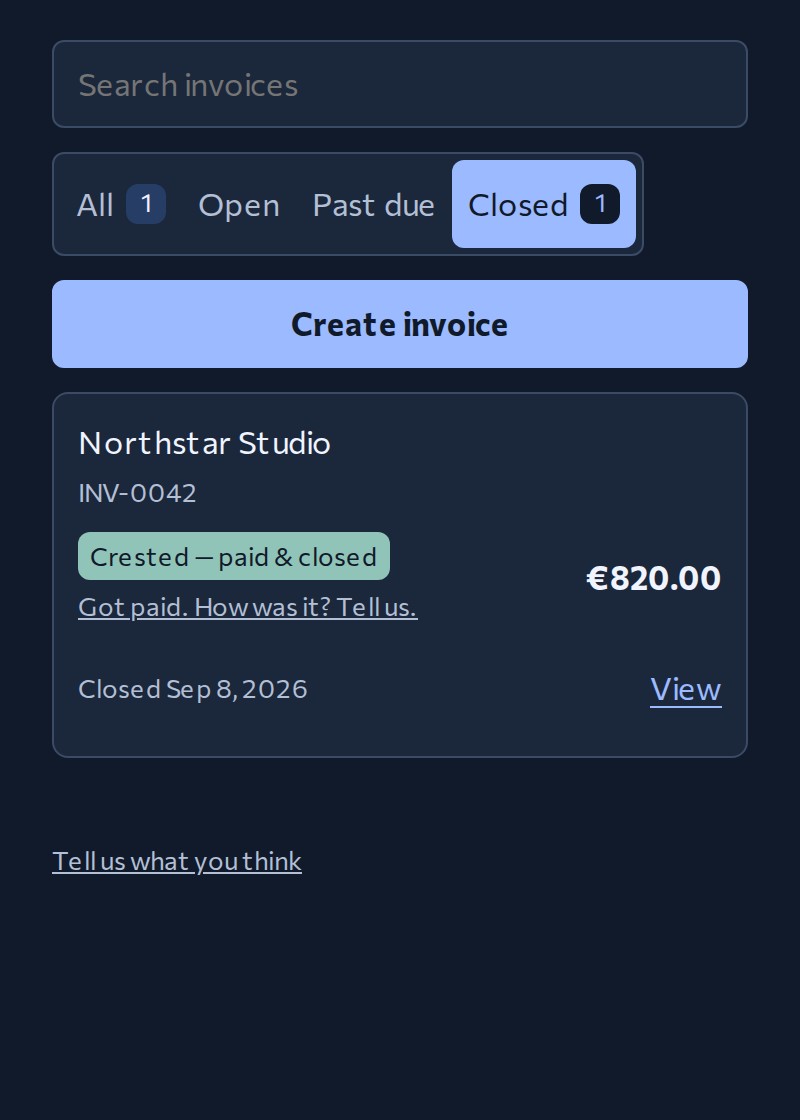
See what needs your attention in My Invoices. Search your invoices, check their status and activity, and open the details.
When the money has arrived, confirm it to crest the invoice. Crest stops the reminders and moves it to Closed.
Your everyday invoice workflow
Free
More automation and connections
$9 / month
or $90 / year
Everything in Basic, plus:
Support Crest’s development.
$129 once
2 of 10 founding seats occupied · 8 remaining at $129
Founding Lifetime — $129 once, tax included. Every Pro feature, now and in the future, for as long as Crest runs. Full refund within 60 days.
| Workflow | Crest Basic | PDF generators | Payment apps | Invoicing & client tools |
|---|---|---|---|---|
| Create invoices | PDF + link | In your account | With client admin | |
| Send invoices | Yes | Send it yourself | Yes | Yes |
| Track invoices | Activity + payment reports | Check yourself | Supported payments | Integrated payments |
A Crest payment report is not proof of payment. You confirm that the money arrived.

We're Alina and Pavel, a married couple and the whole Crest team. Alina is a therapist. Her clients weren't refusing to pay; they forgot whether they had paid, or lost the message with the payment details. She kept a spreadsheet and chased unpaid sessions by hand. Neither of us is a software engineer—just two people with day jobs who wanted one nagging problem to go away. Over three months, Alina processed 112 invoices through our first prototype, and all of them were paid on time. We built Crest around two day jobs, five children and a granddaughter. Crest must earn the right to become more powerful by proving that its simplest version is genuinely useful.
— Alina & Pavel
Guides to help you create, send, and track invoices.
A worked example of what to include, from your work to your payment details.
Email examples you can adapt when an invoice is overdue.
Understand how payment links work and where to put one.
Find the invoice-field guidance for the US, UK, and EU, with links to official sources.
See what Crest sends, what your client can report, and when you need to check your account.